B-VISUAL
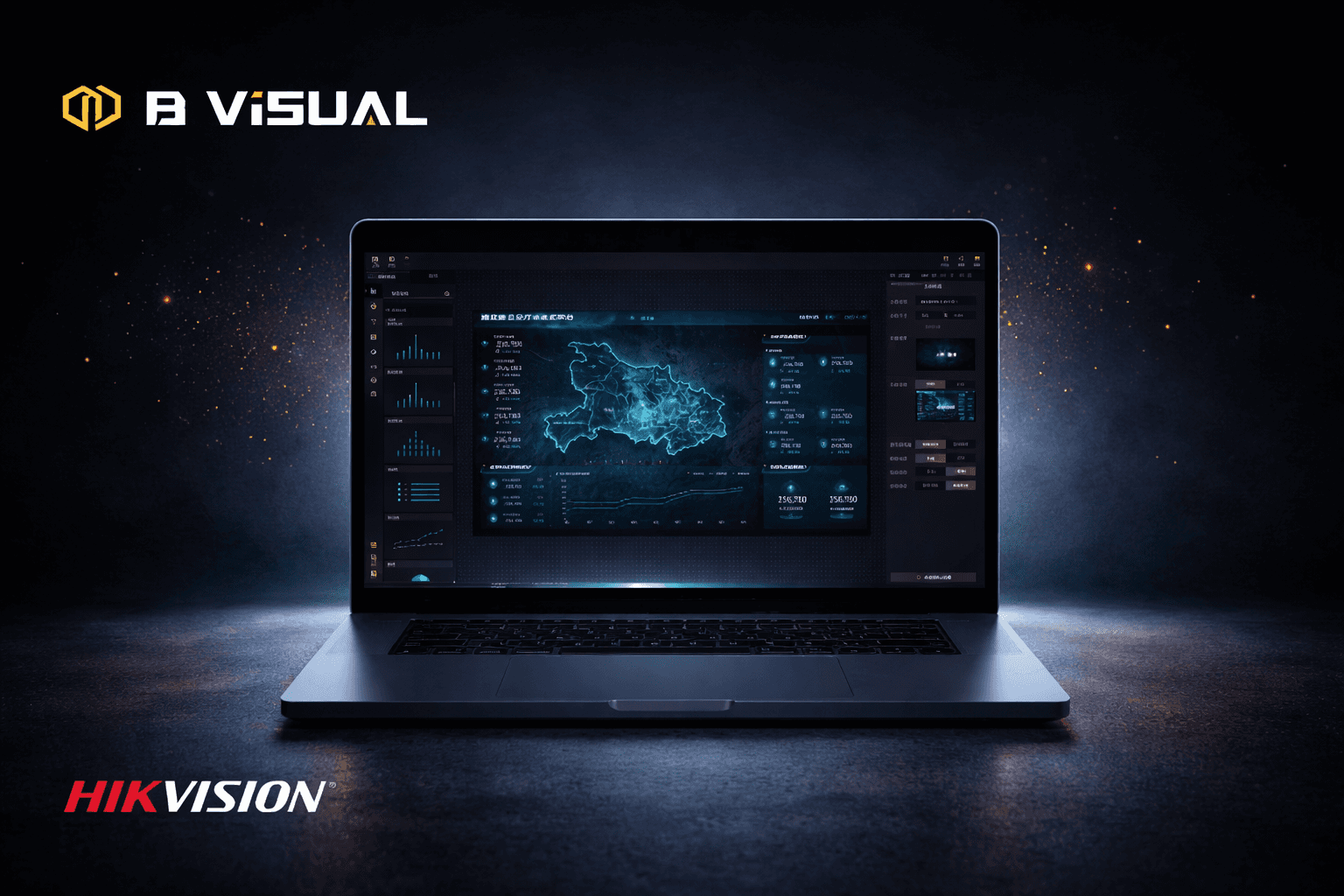
A low-code visual development platform for rapidly building and deploying large-screen data visualization applications.
Duration
3 YEARS
Role
UX Designer
Category
Brand design/ UX design
DESIGN AT
Hikvision
TEAM
2-4 Designers
Overview
This three-year pilot project, implemented during my tenure, was an internal collaborative tool for Hikvision designed to improve visual development efficiency and reduce operational costs. The project progressed through three phases: building a cohesive brand visual system, refining the interaction framework, and defining product principles to ensure consistency and scalability.
My role
2020.04-07
UI Designer
Define the platform's visual style and UI design principles
2021.01-02
UI Kit Designer
Refine the component kit specifications to ensure consistency and scalability.
2022.01-04
UX Designer
Increase engagement
Improve retention
Boost user contribution
Result
The platform saw rapid user growth and became widely recognized internally. Development time dropped from 12 days to 4–7 days, greatly improving efficiency.

Build a reusable visual productivity platform
Adoption
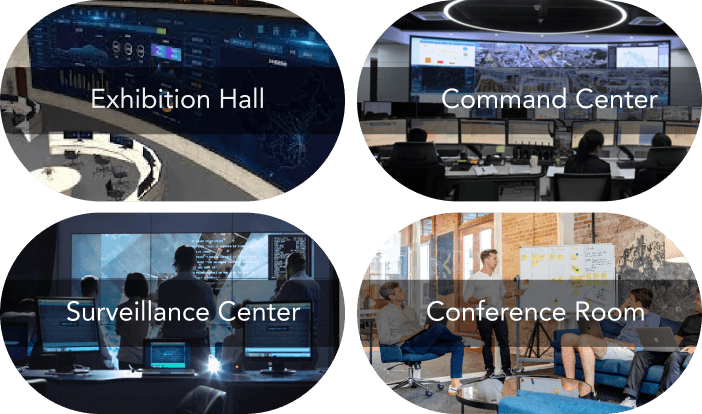
Drive internal project teams to transition from traditional development to the low-code platform.
Efficiency
Shorten project development cycles and accelerate delivery speed.
SCALABILITY
Reduce labor and time costs through platform-based capabilities.
Why the Current Design Falls Short
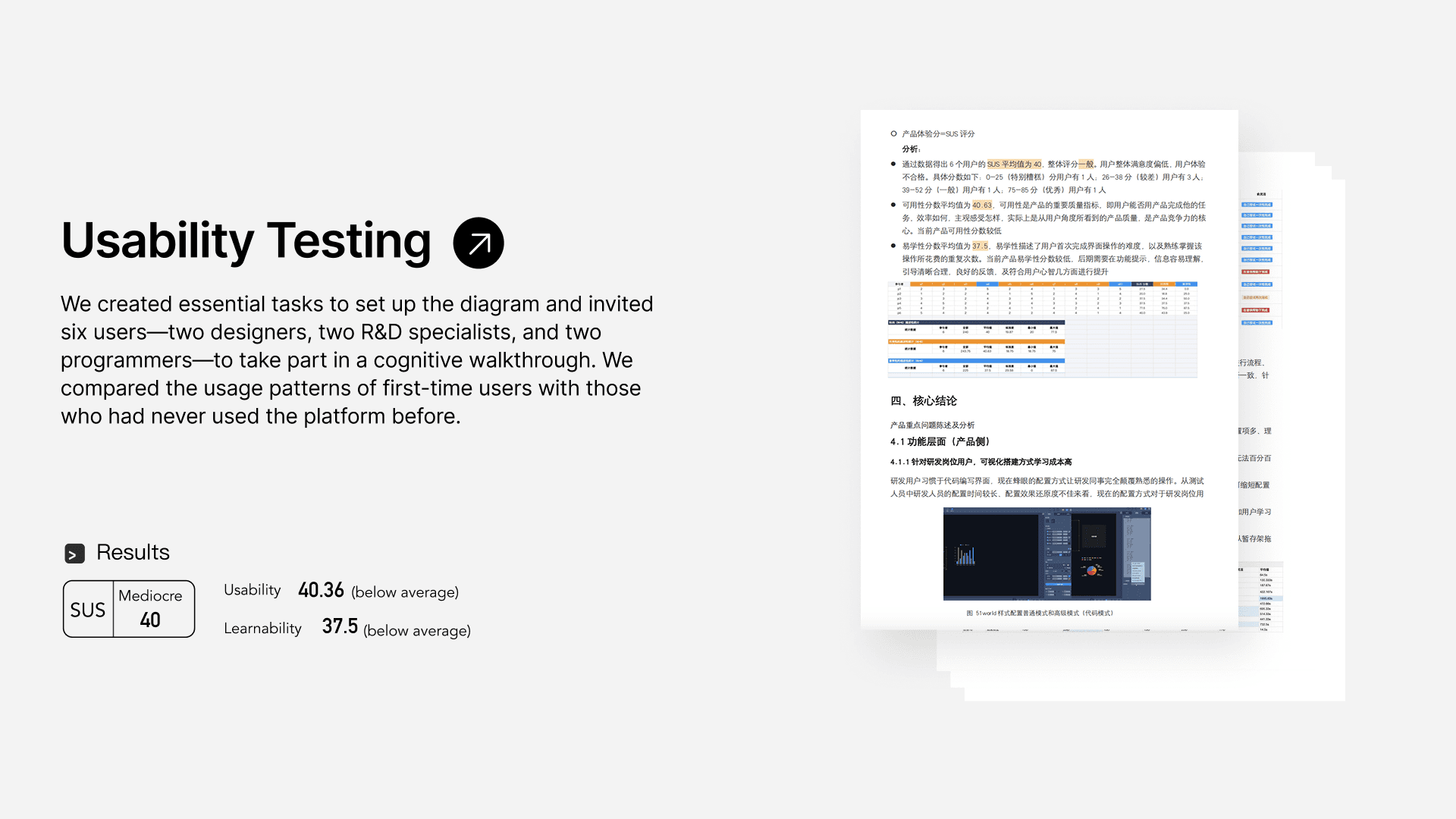
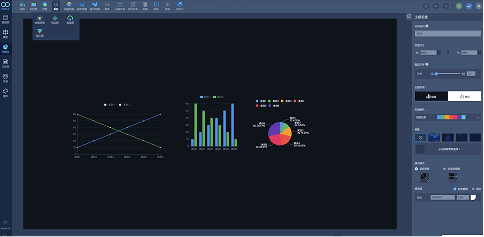
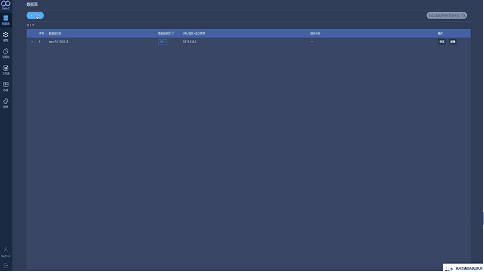
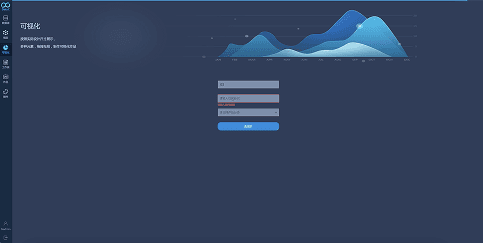
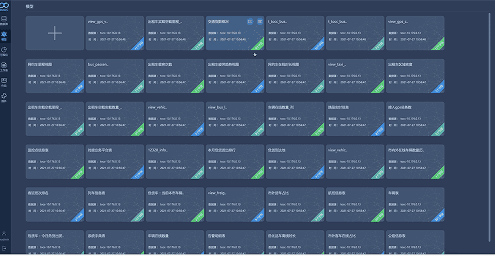
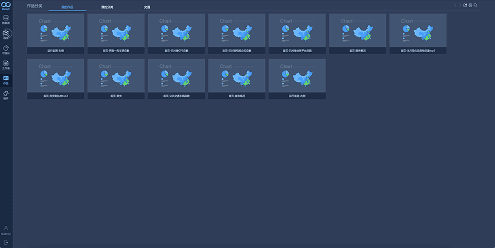
Before redesigning the platform, we conducted usability testing on the existing system. We found that user efficiency was extremely low—configuring a single chart component could take up to an hour—The usability score of 40.36 is significantly below the industry average (68), indicating poor usability and a need for substantial improvement.
V 1.0 : New System
Design principles
We aim to simplify and streamline data building for effortless efficiency, while expressing a cutting-edge visual language.
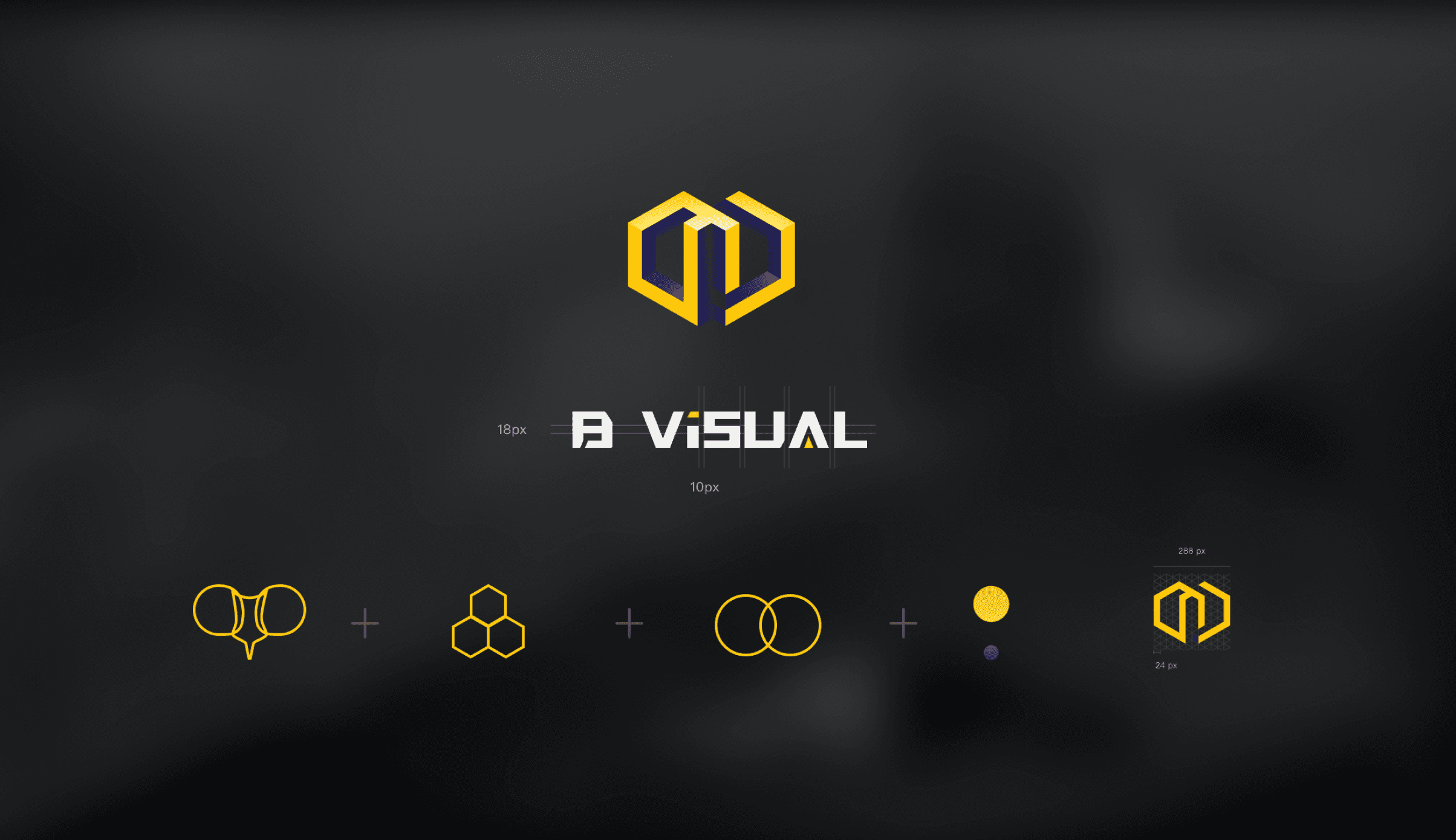
Inspired by the compound eyes of bees, which enable a wide and holistic field of perception, we introduce “See More. Understand More. Decide Better..”
This concept is translated into clear design principles aligned with the brand.
Distinctive Identity
Create strong brand recall through a distinctive color palette and graphic language.
Clarity
Clear visual presentation helps users quickly recognize and comprehend information.
Structured Hierarchy
构建清晰的布局与模块逻辑,提高可读性与扩展性
Consistency
在不同场景下保持统一的视觉规则与体验
Distinctiveness

Bee compound eyes

Assemble

Collaboration
Through competitive analysis, we found that most data visualization platforms primarily use blue as their visual identity, leveraging its associations with stability, clarity, and technology. However, this widespread adoption has led to visual homogeneity across the category.
To establish a more distinctive brand identity aligned with the “Bee Eye” concept—emphasizing wide perception and clarity—we introduced a yellow and black color system to enhance contrast, recognition, and visual memorability.
Competitive analysis shows that blue is the dominant color in data visualization platforms, commonly associated with trust, stability, and technological clarity. However, this also results in a high level of visual similarity across products.
To strengthen differentiation and reflect the “Bee Eye” concept of wide, multi-perspective perception, we designed a yellow and black color system to improve contrast, recognition, and brand memorability.
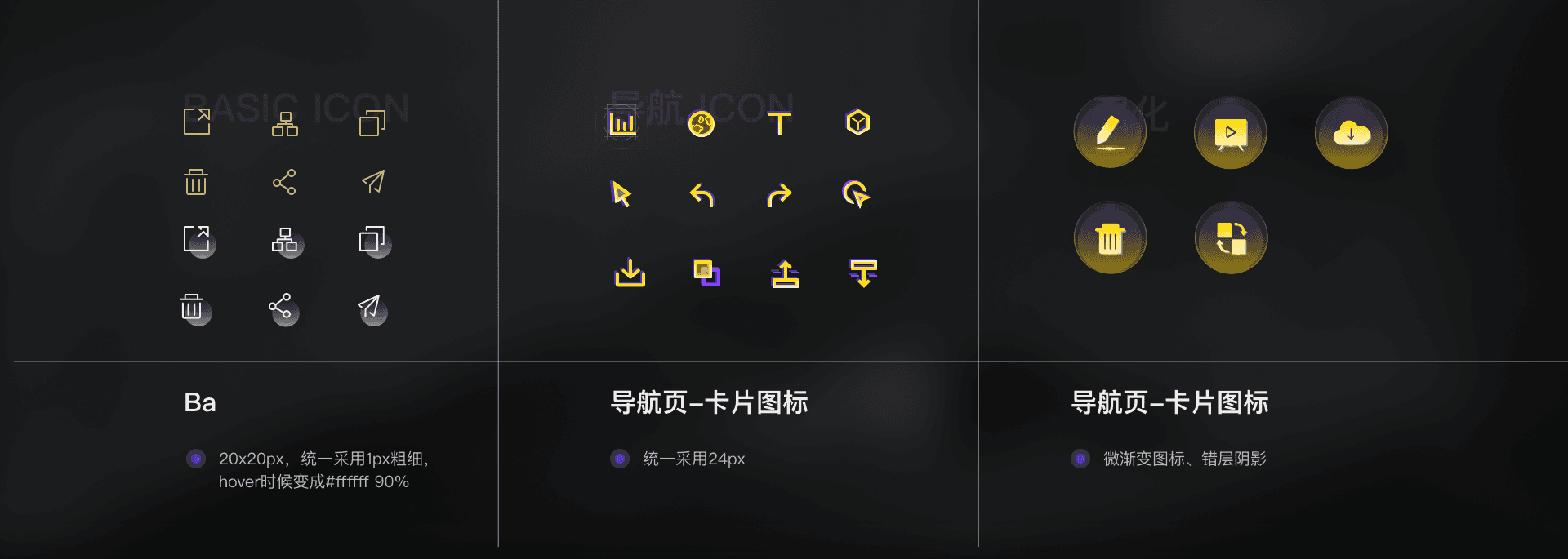
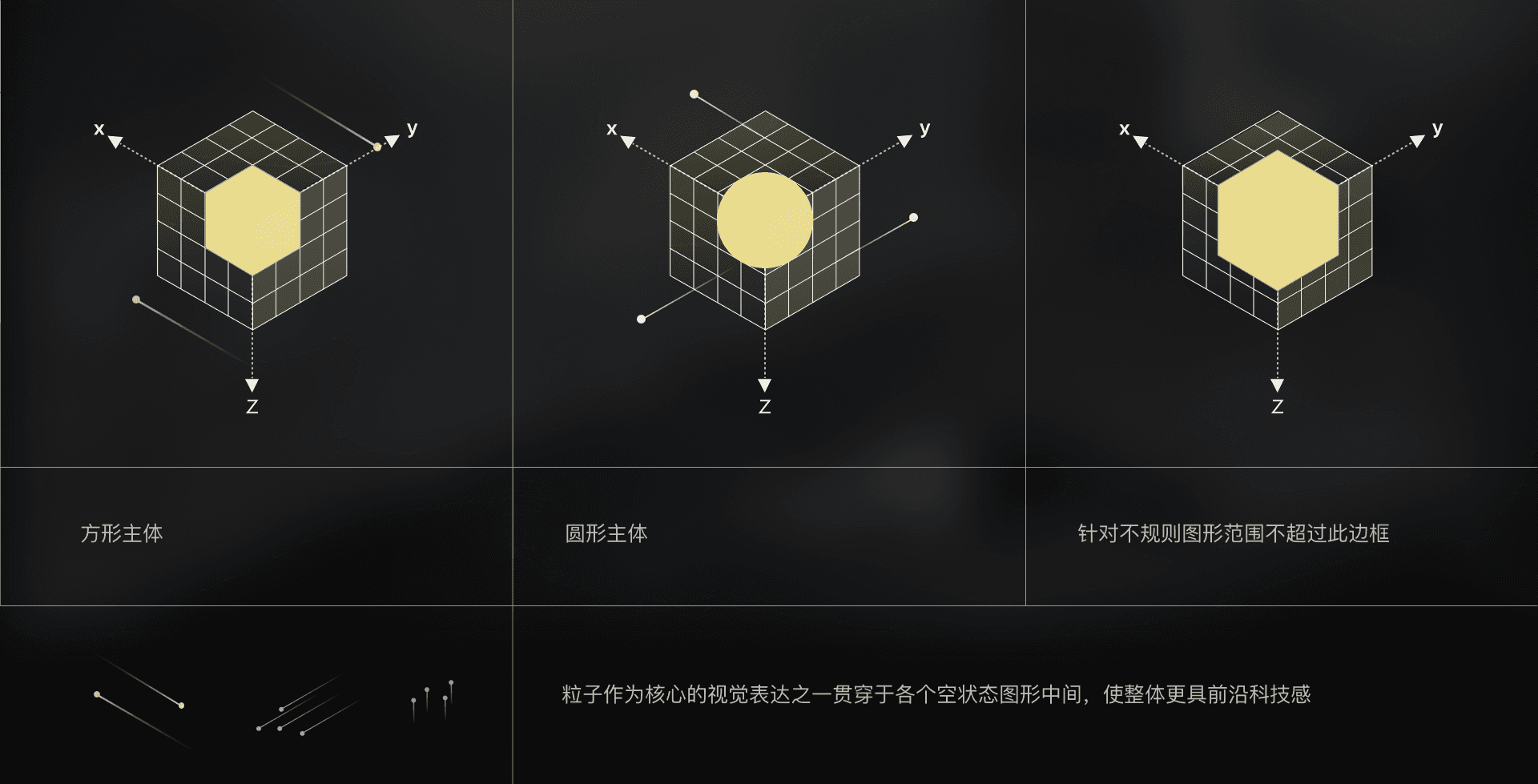
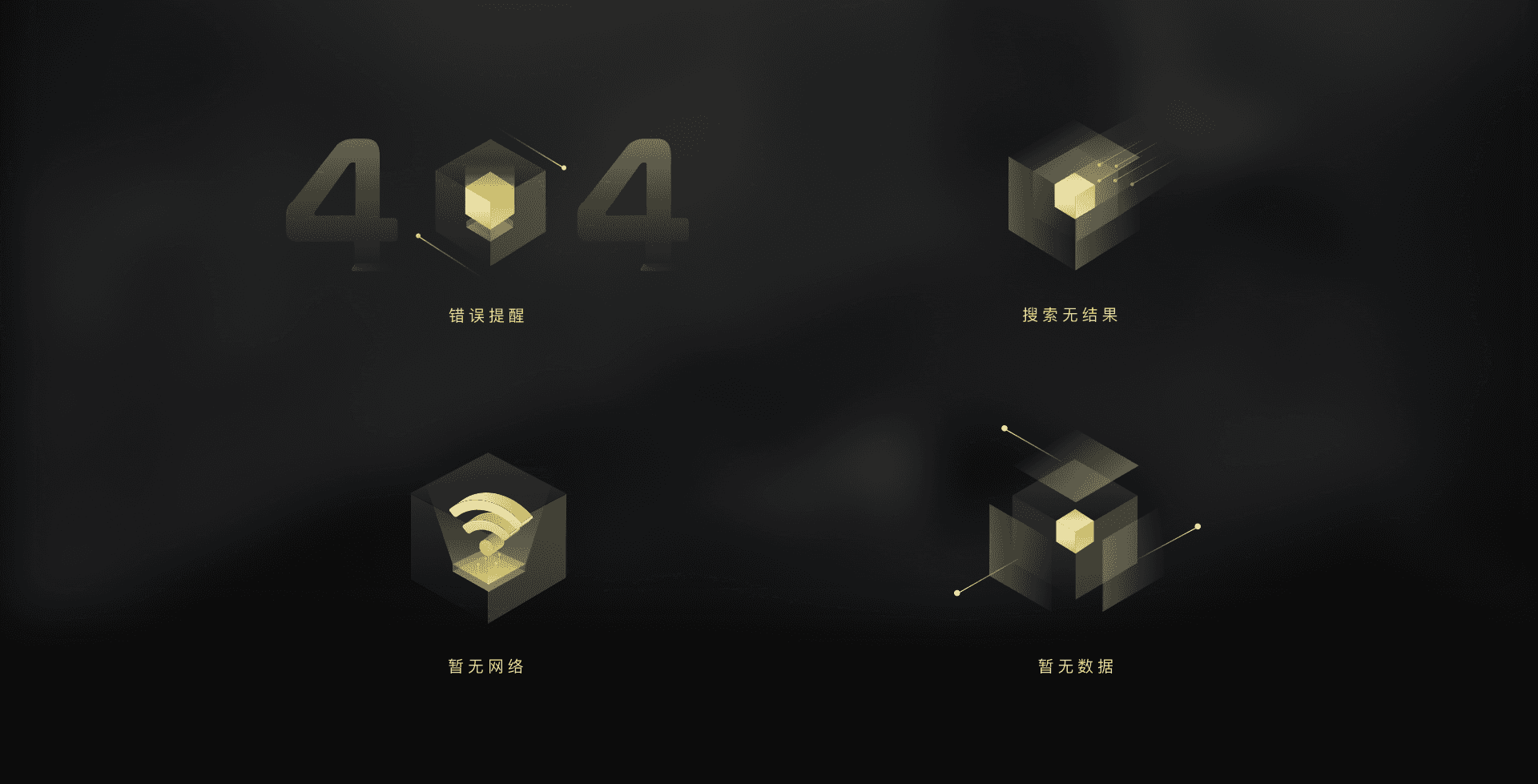
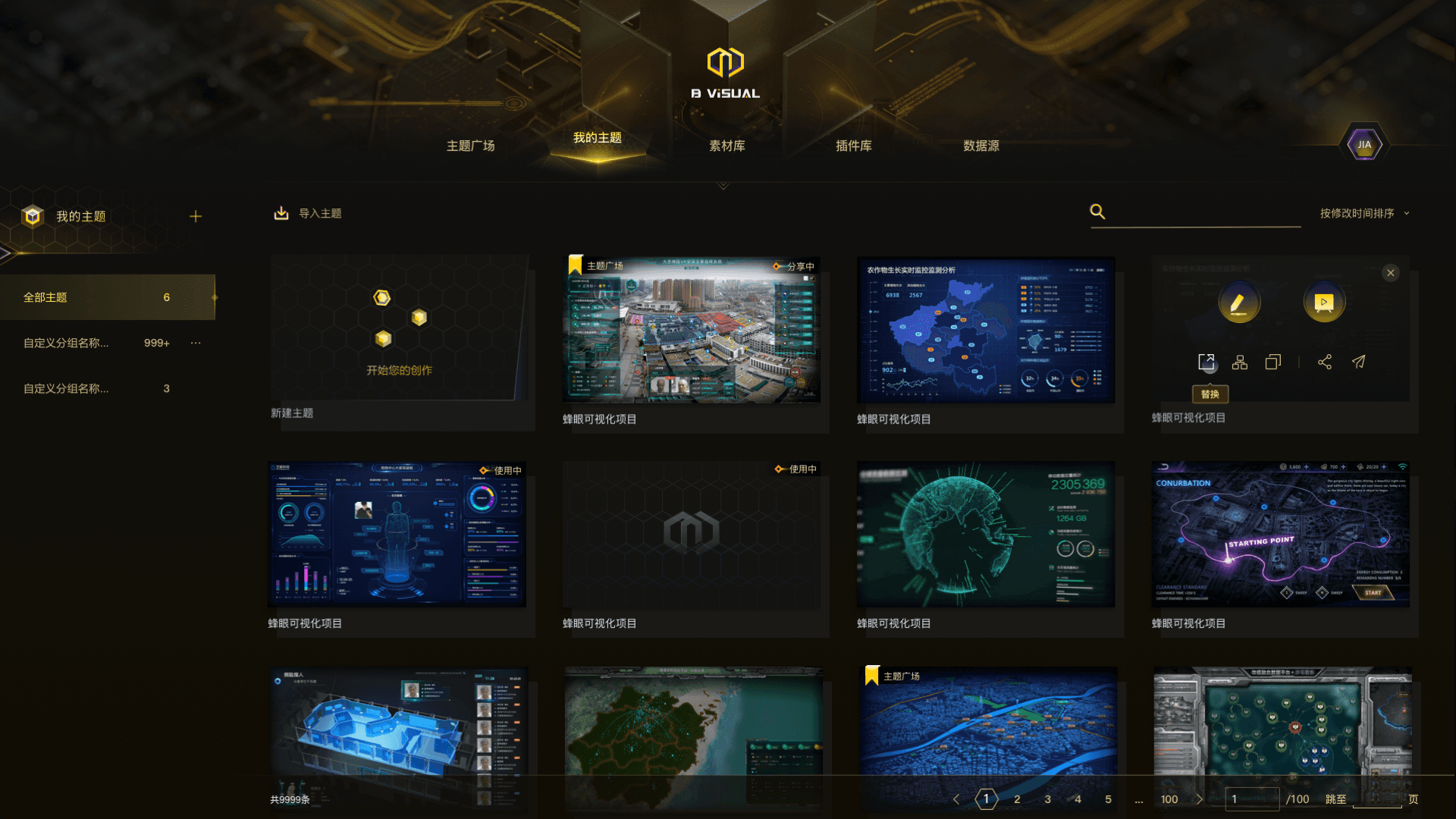
Implemented a differentiated visual upgrade for the V1 platform, driving positive user reception and increasing DAU from ~10+ to 156 in the first month. The launch of the “Bee Eye” platform and its visual expression triggered internal discussions and improved product visibility across the organization.
Clarity / Structure
Holistic View
Reduce cognitive load by structuring information, actions, and workflows
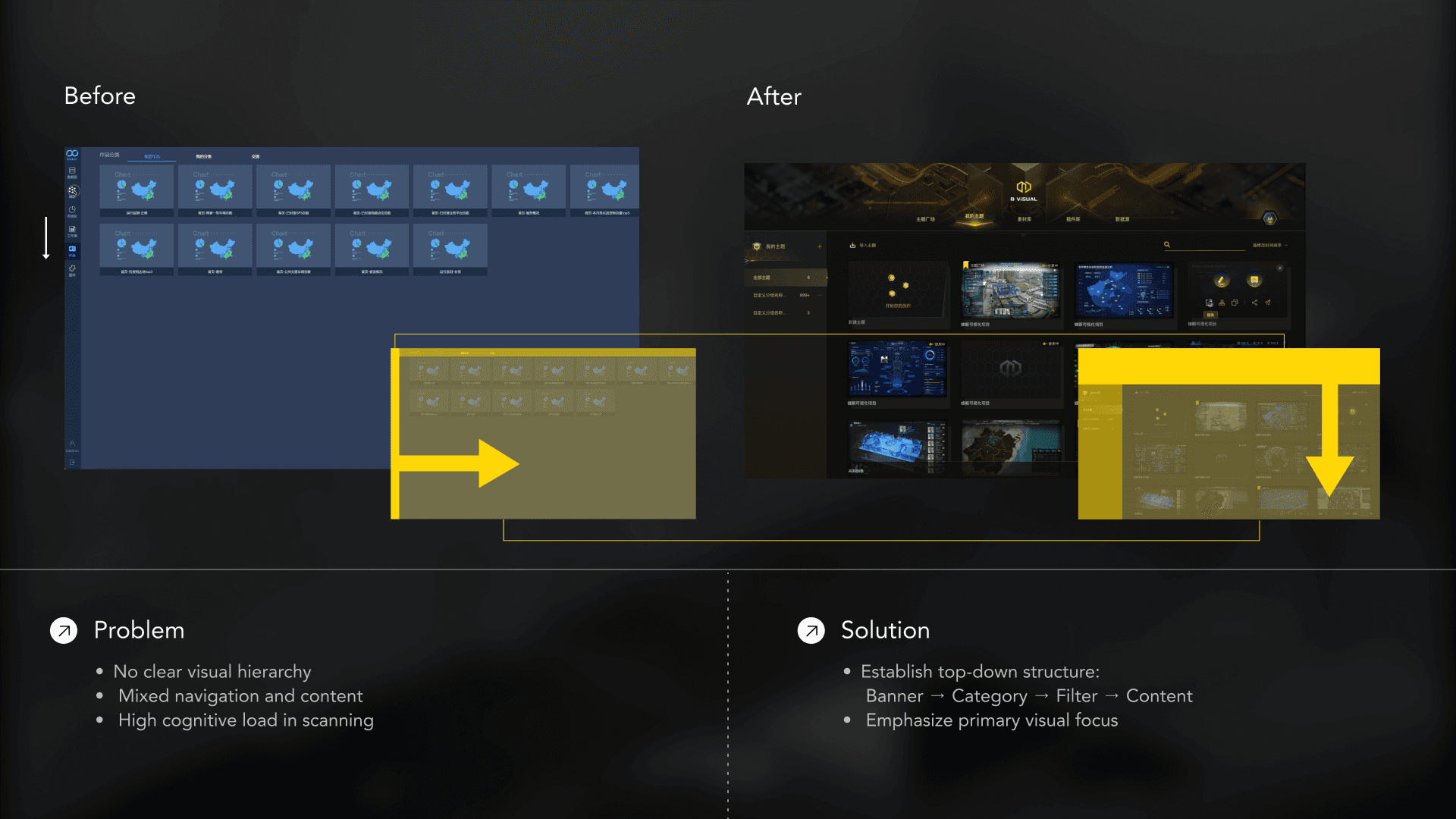
Clear information hierarchy:Reorganize layout to guide user attention and scanning flow
" height="33px" id="IBf7iLEKT" width="33px"/><path d="M 0 13.5 L 13.5 0" fill="transparent" height="13.5px" id="WwUVauiPj" stroke-dasharray="0" stroke-linecap="round" stroke-linejoin="miter" stroke-miterlimit="4" stroke-width="2" stroke="rgb(255, 255, 255)" transform="translate(9 10)" width="13.5px"/><path d="M 0 7.5 L 0 0" fill="transparent" height="7.5px" id="LaBV5WJ6R" stroke-dasharray="0" stroke-linecap="round" stroke-linejoin="miter" stroke-miterlimit="4" stroke-width="2" stroke="rgb(255, 255, 255)" transform="translate(22.5 10)" width="1px"/><path d="M 0 0 L 7.5 0" fill="transparent" height="1px" id="WXgGli1OB" stroke-dasharray="0" stroke-linecap="round" stroke-linejoin="miter" stroke-miterlimit="4" stroke-width="2" stroke="rgb(255, 255, 255)" transform="translate(15 10)" width="7.5px"/></g></svg>)
I have transitioned from a tool-driven workflow to a task-oriented interaction model by “restructuring the information flow” → changing the user’s scanning path → reducing cognitive load. This improves operational path clarity and strengthens visual guidance.
Top Banner (Entry & Branding)→ Category Navigation → Filter / Search → Content Card Stream
Select a component (Component List) → Open the canvas (Canvas) → Open properties (Configuration)
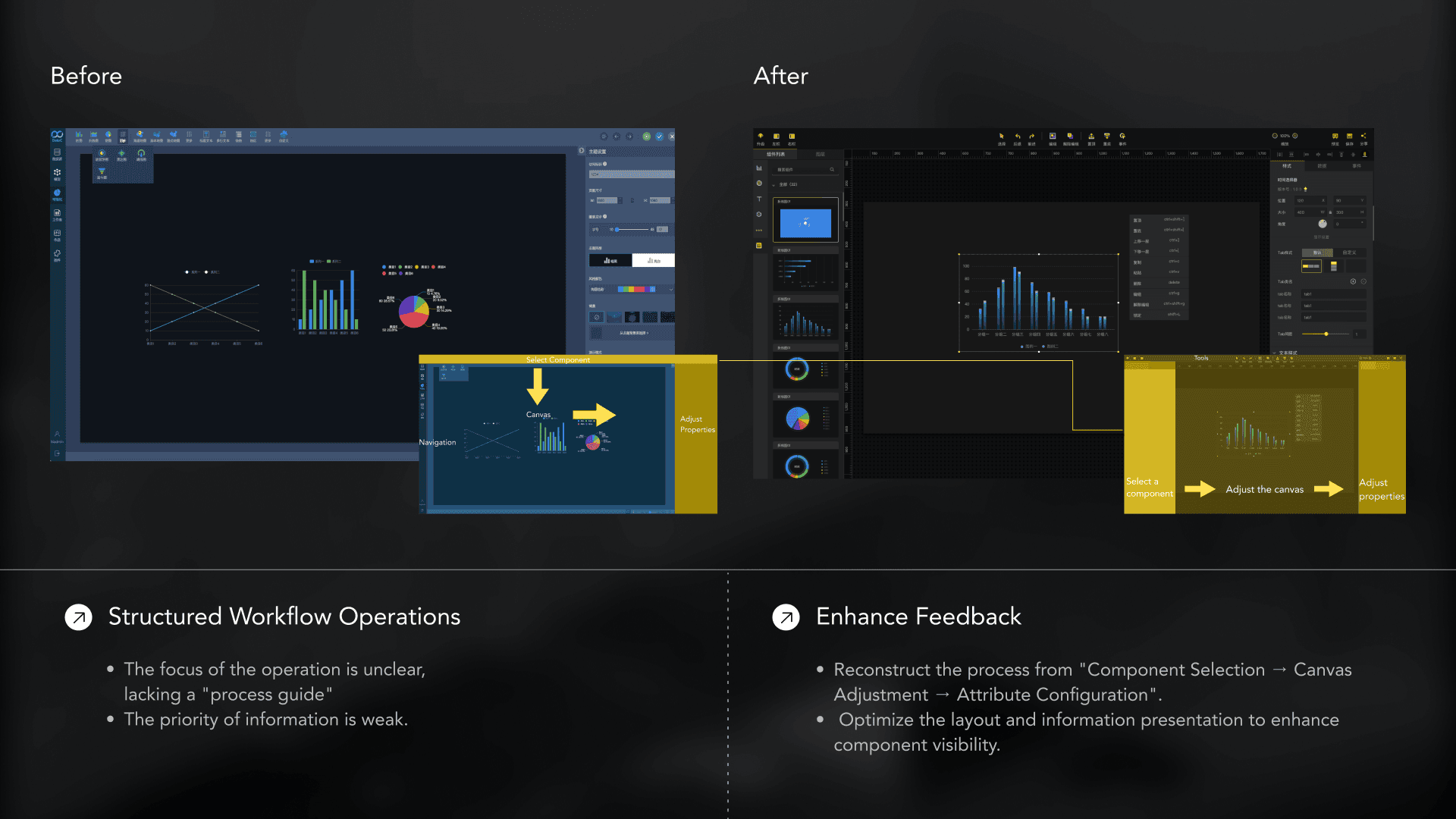
Action Clarity:Make core actions visible and easy to access
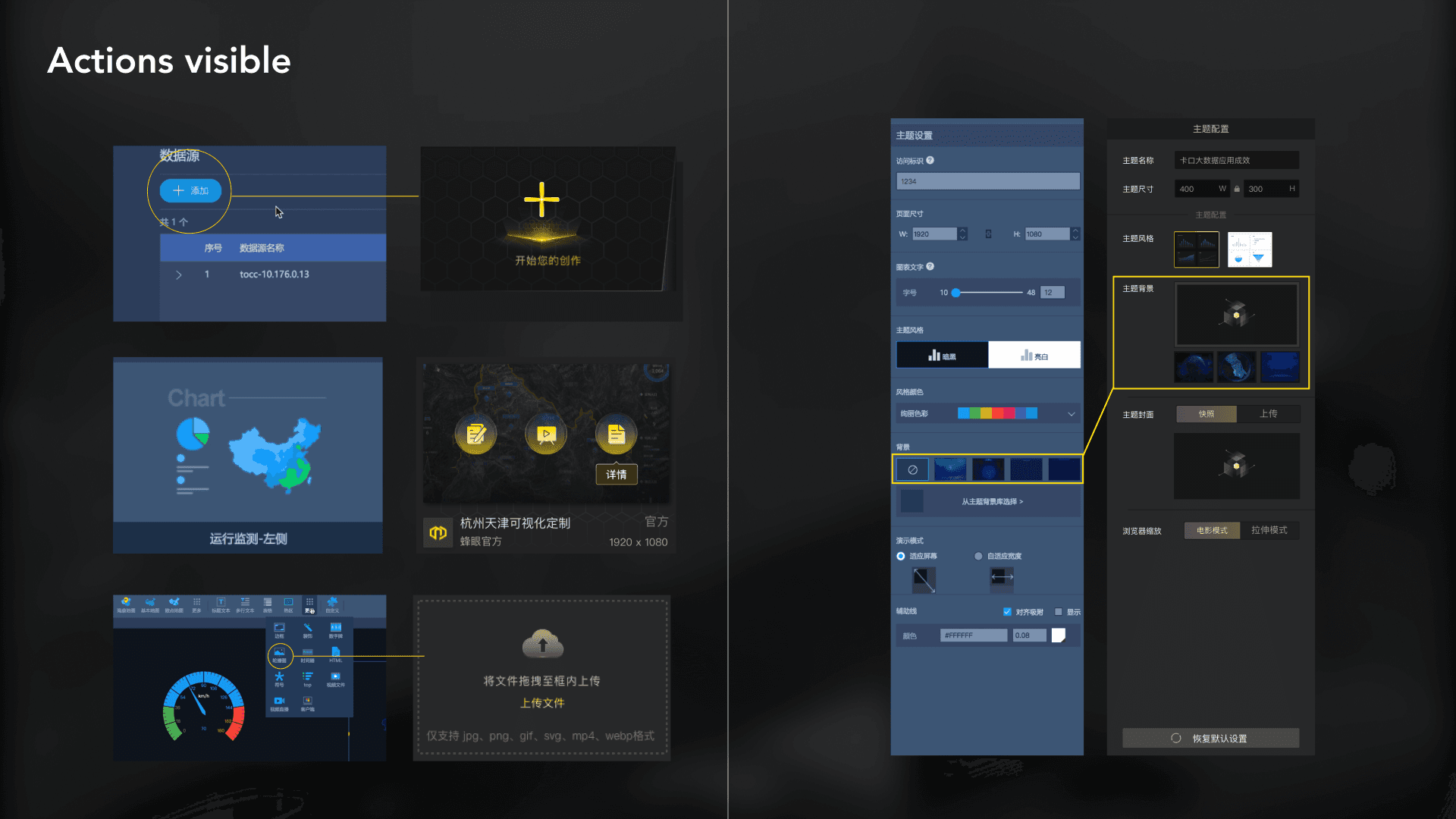
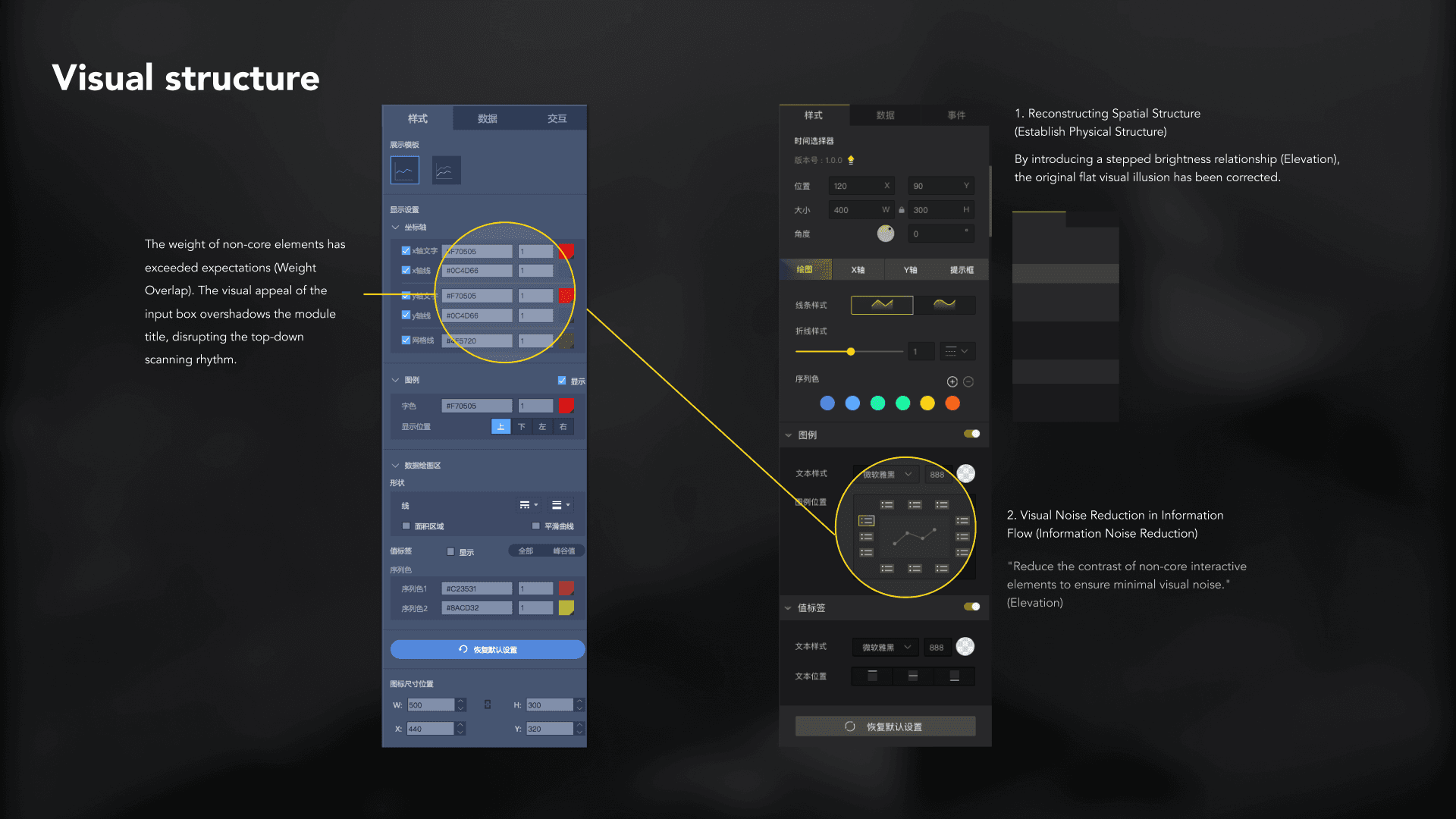
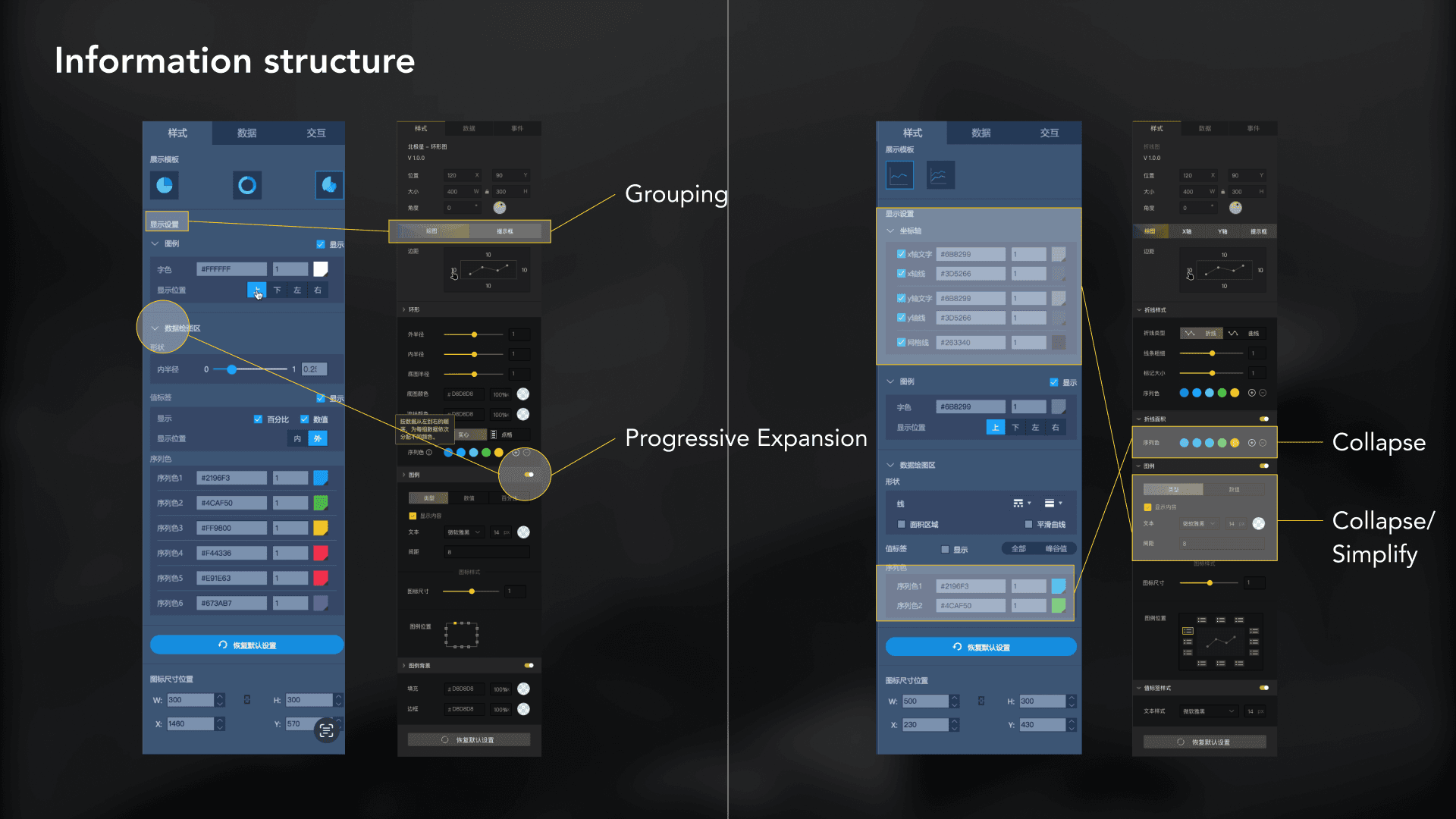
I use the principle of "visual order to drive cognitive efficiency." By adjusting the relationships of brightness and element height to correct visual illusions, I establish a clear visual hierarchy for complex data configurations. I also reduce visual clutter through modular grouping and progressive disclosure, recreating interactive flows that align with users' mental models. This transforms heavy tasks into organized, lightweight operation experiences.
Standardization
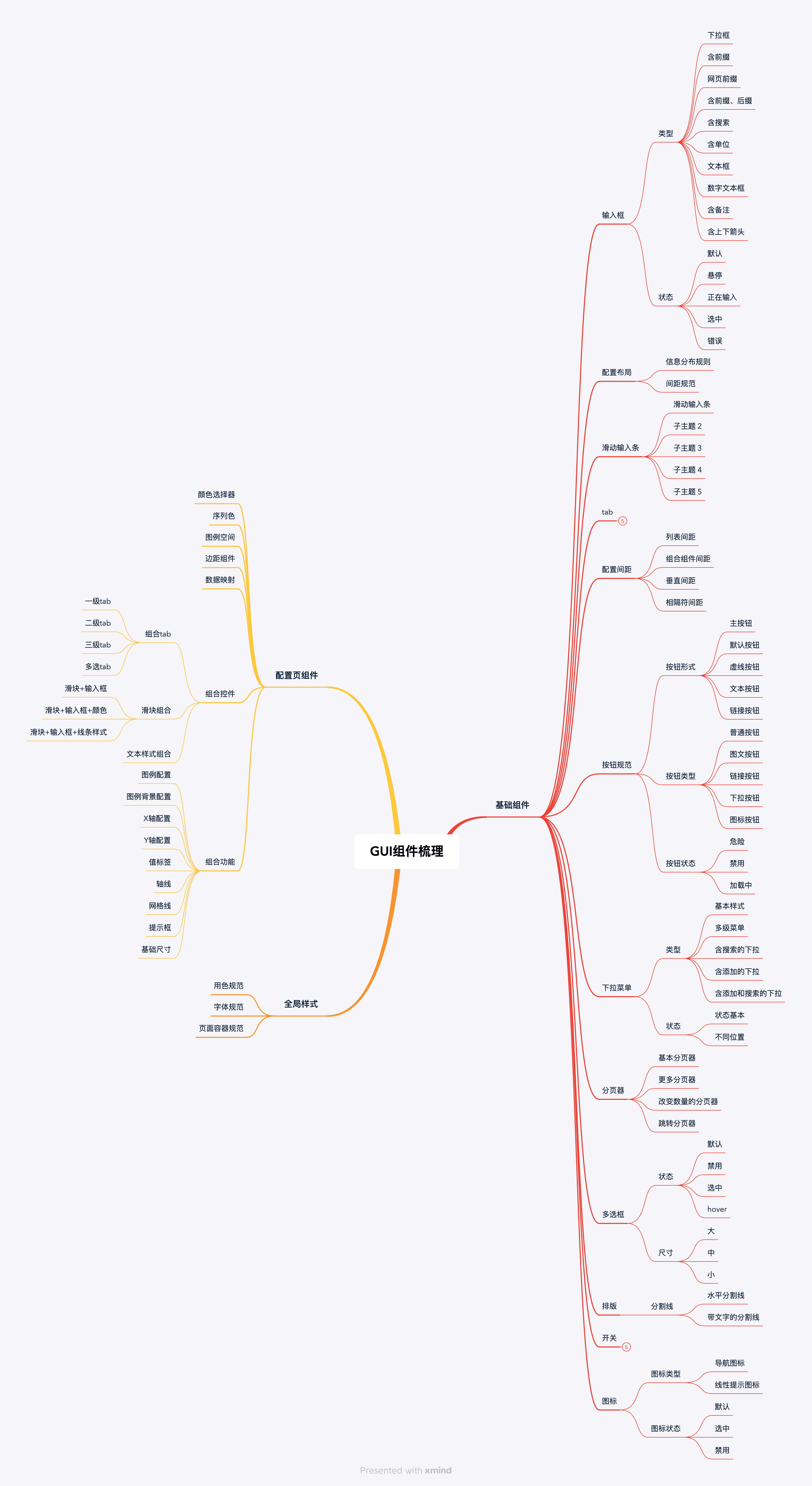
GUI Component Overview
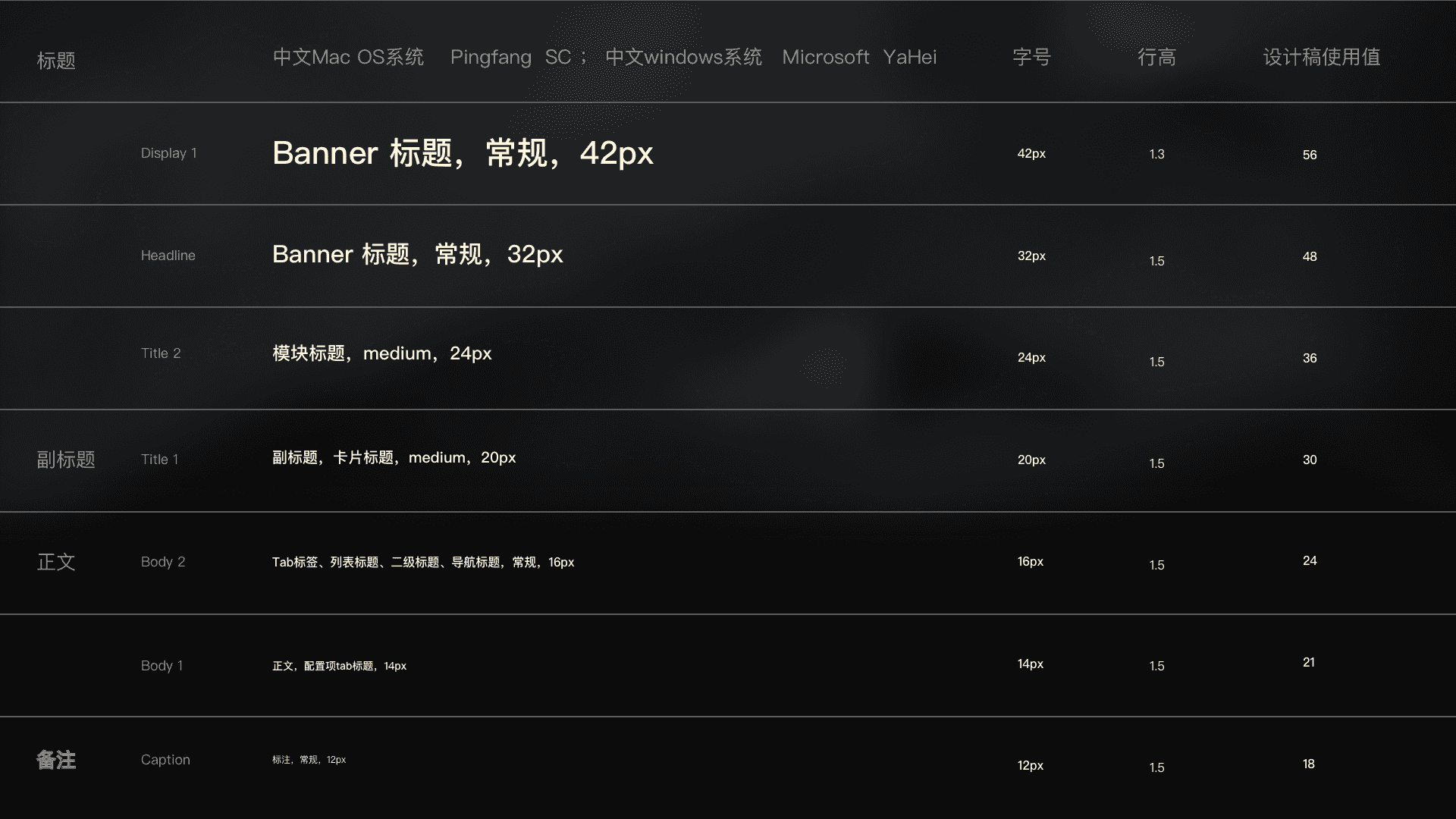
Build a foundational visual asset system. By globally organizing colors, typography, grid, and basic interactive feedback, we have established the platform's visual tone and underlying standards, ensuring systematic and consistent output of all UI elements across different business scenarios.
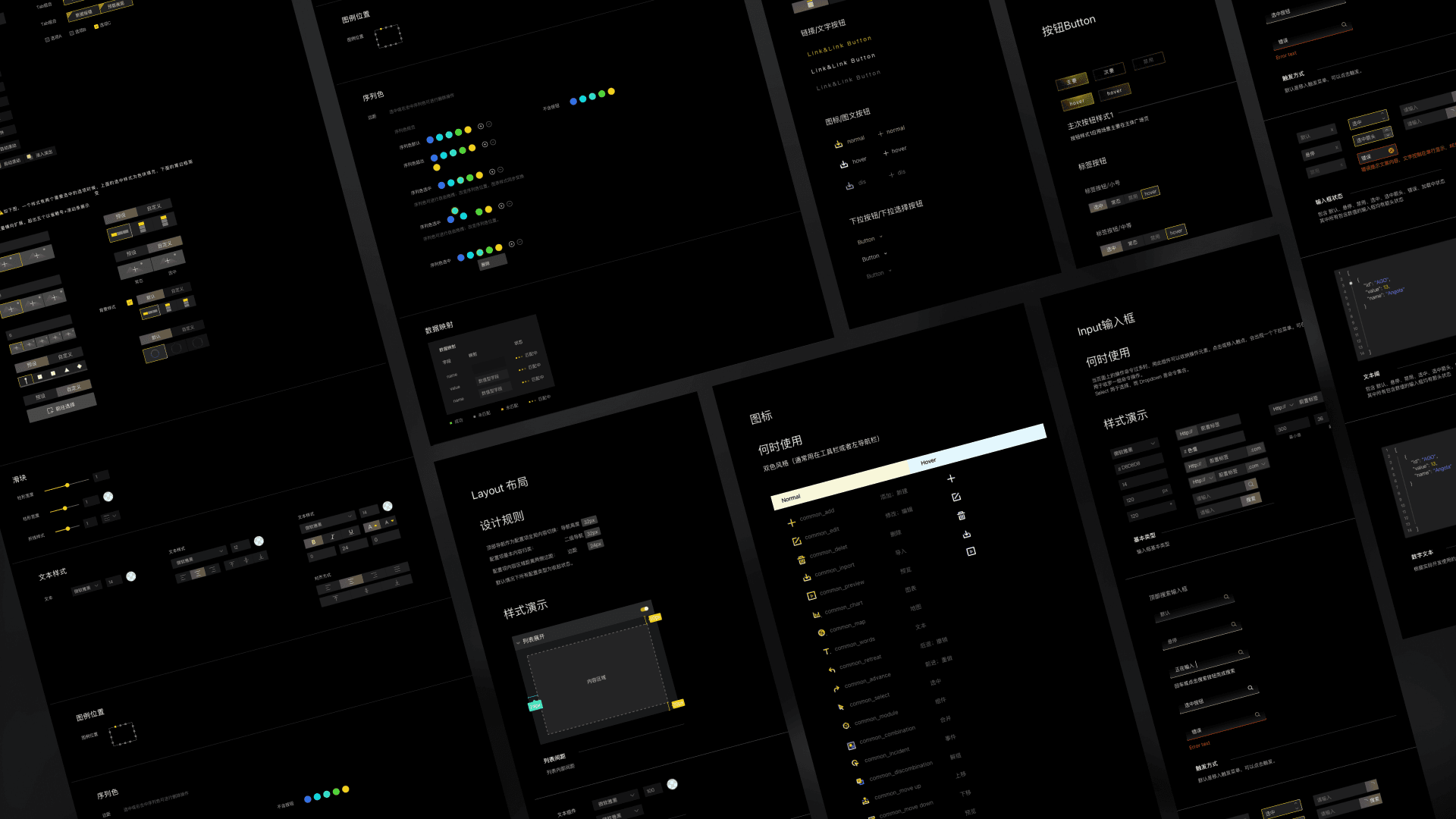
This Kit aims to establish a 'self-explanatory' component asset standard for big data visualization platforms. Its core objectives are: Standardized output: To define consistent design protocols, enabling future chart plugins to be produced according to established guidelines and ensuring both visual and logical continuity across the system. Alignment of development efficiency: Through standardized definitions, the front-end component library can be used quickly and clearly, transforming design assets directly into practical development productivity.
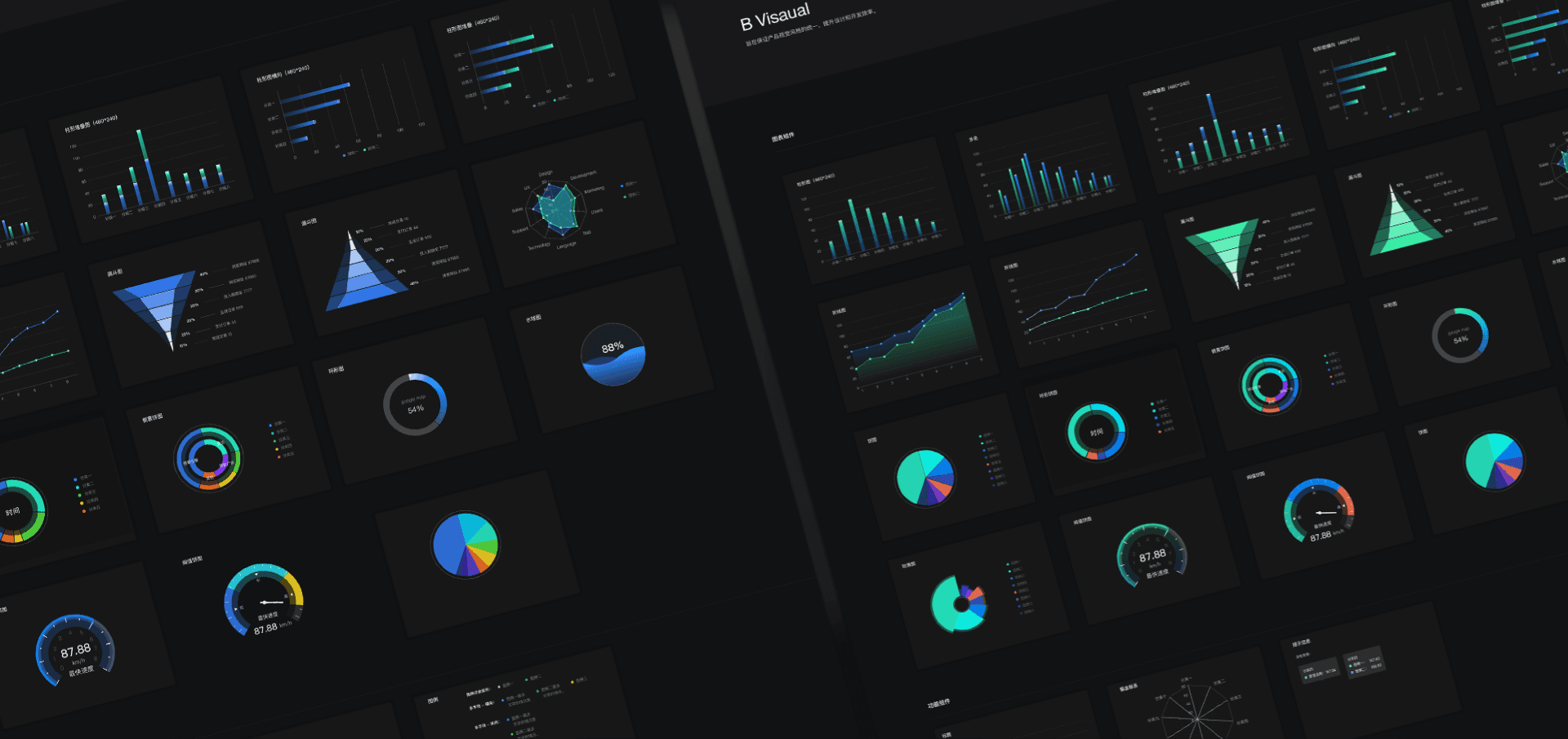
1. Standardized Research: Following the principle of "minimal changes to default configurations," we studied and summarized the styles of Hikvision large screens, establishing golden chart proportions and common component standards.
2. Efficiency through Tooling: By encapsulating frequently used basic components, we lowered the user learning curve and enabled instant usability.
3. Systematic Expansion: We promoted the development of one-click theme switching, supporting both "Polaris Green" and "Tech Blue" modes, significantly shortening the visual adjustment cycle across brands and business lines.
Impact
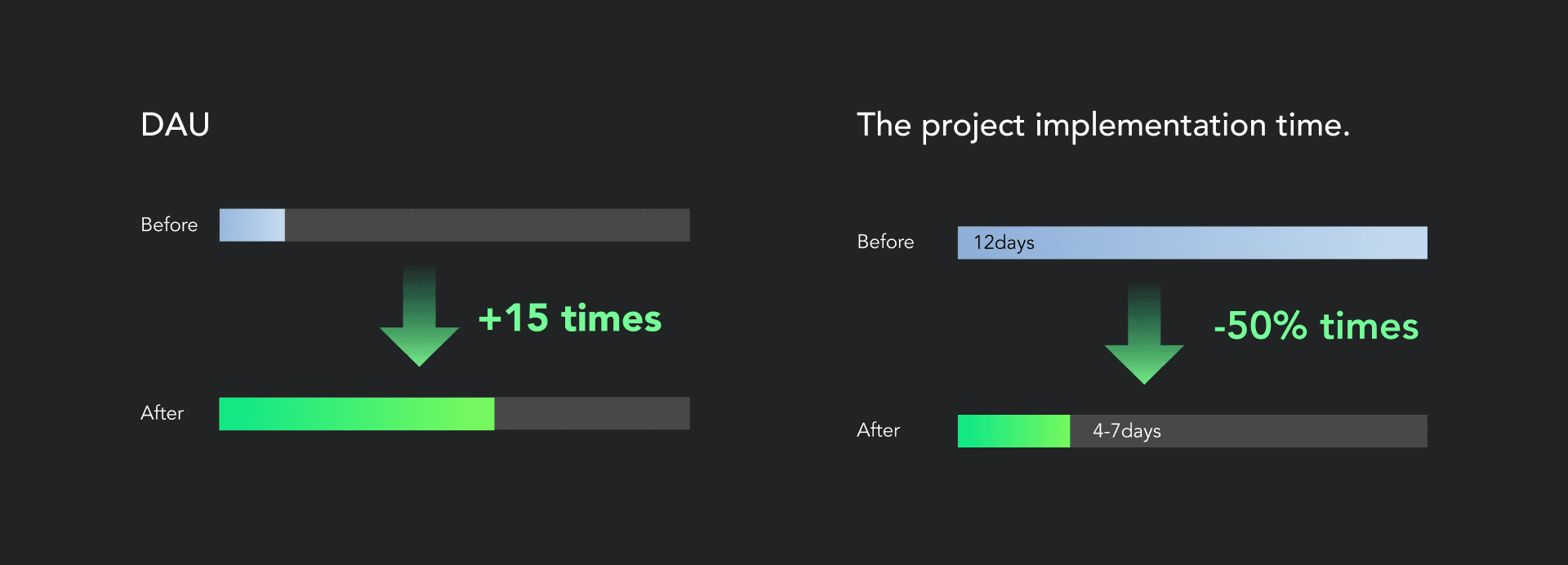
1.DAU increased from ~12 to 186 in the first month.
2. Project turnaround time for a typical implementation fell from 12 working days to 4–7 days.
3.Feedback quality shifted from critical workflow blockers (e.g., "I can't find how to configure this") to nuanced feature refinements (e.g., "Can this component support multi-select?").
Build a
Community
Center
Create a “Scenario-Based” Co-Creation Community
Resource
Library
Build an enterprise-level asset internal circulation system: clearly define responsibilities for public and personal libraries
Tutorials
& Guidance
Develop structured learning and problem-solving pathways
Through these improvements, the product will be upgraded from a "tool-based platform" to a "community platform" that enables communication, learning, and co-creation, enhancing user efficiency and overall platform engagement.
Establish Incentive System
Quantify user contributions through achievement transparency and contribution analytics, driving active resource sharing.
Define Multi-level
Permission Architecture
Formalize the access logic for the Official Library, Departmental Library, and Personal Laboratory to ensure structured resource governance.
Structured Learning Path
Define systematic learning trajectories and internalize them as in-product interactive guidance to streamline user onboarding.
Strategy 1: Achievement System
"By tracking key indicators such as the number of times components are referenced and the number of likes received, we build a profile of users' technical influence within the company, inspiring enthusiasm for co-creation."
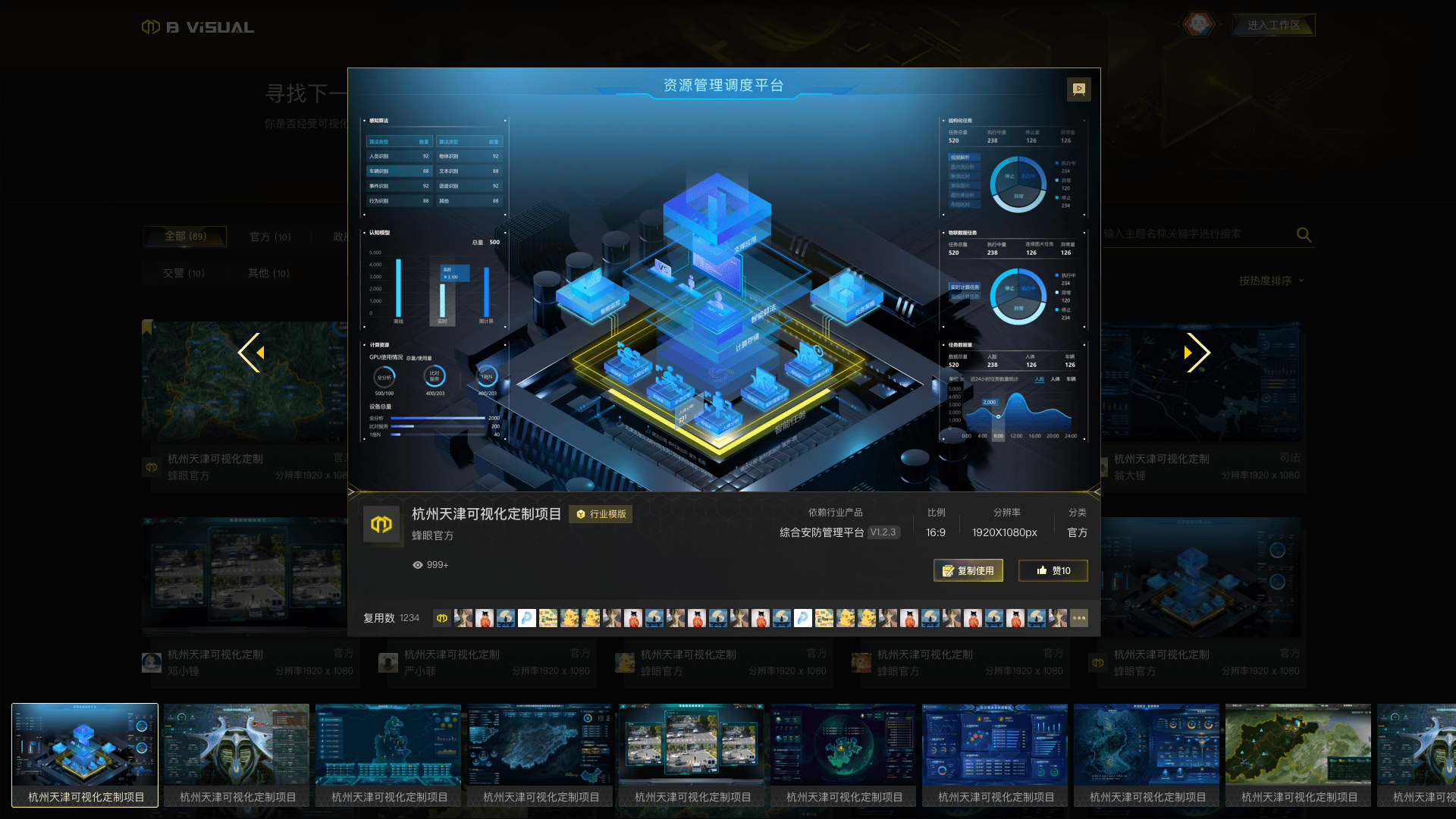
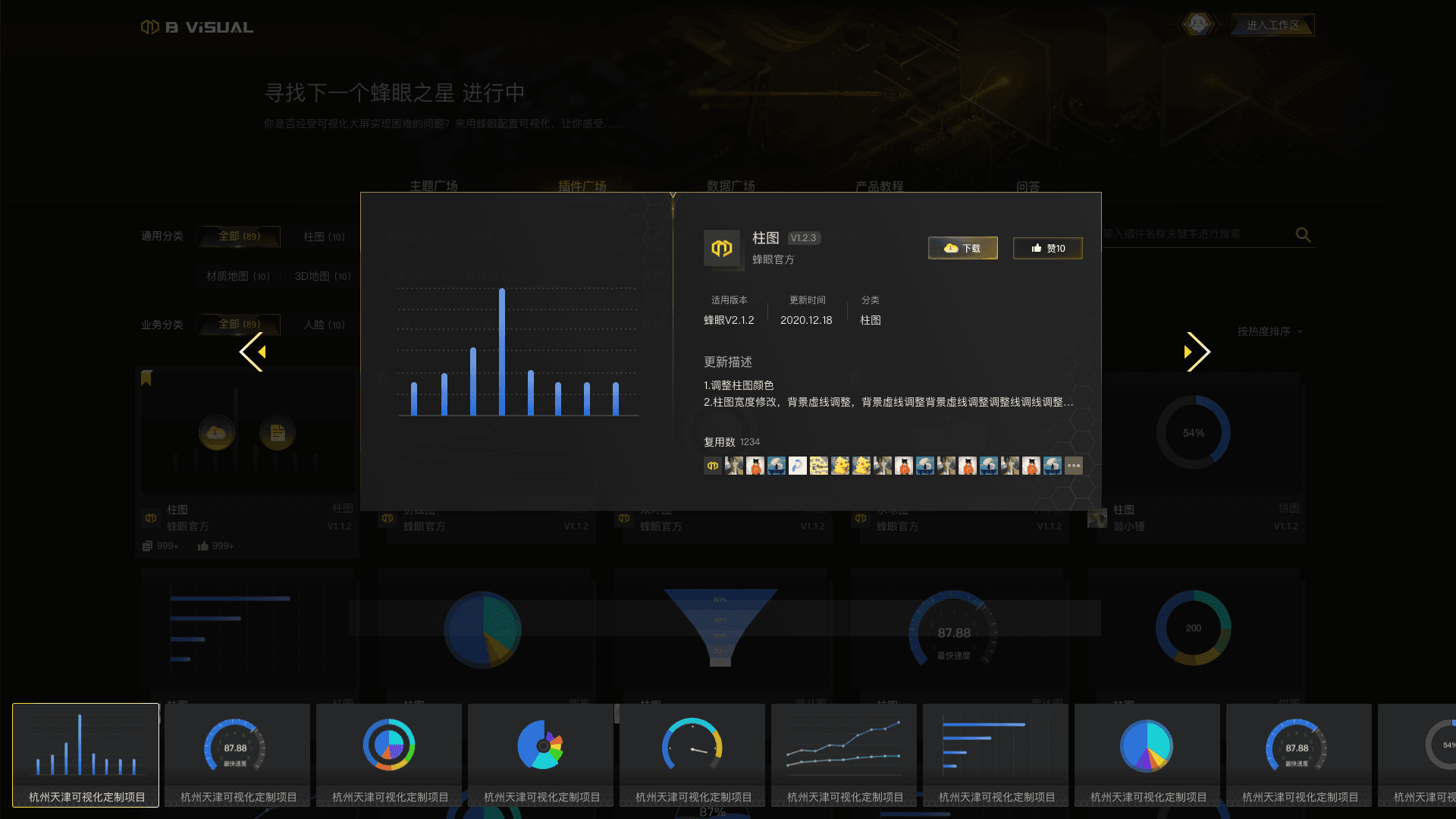
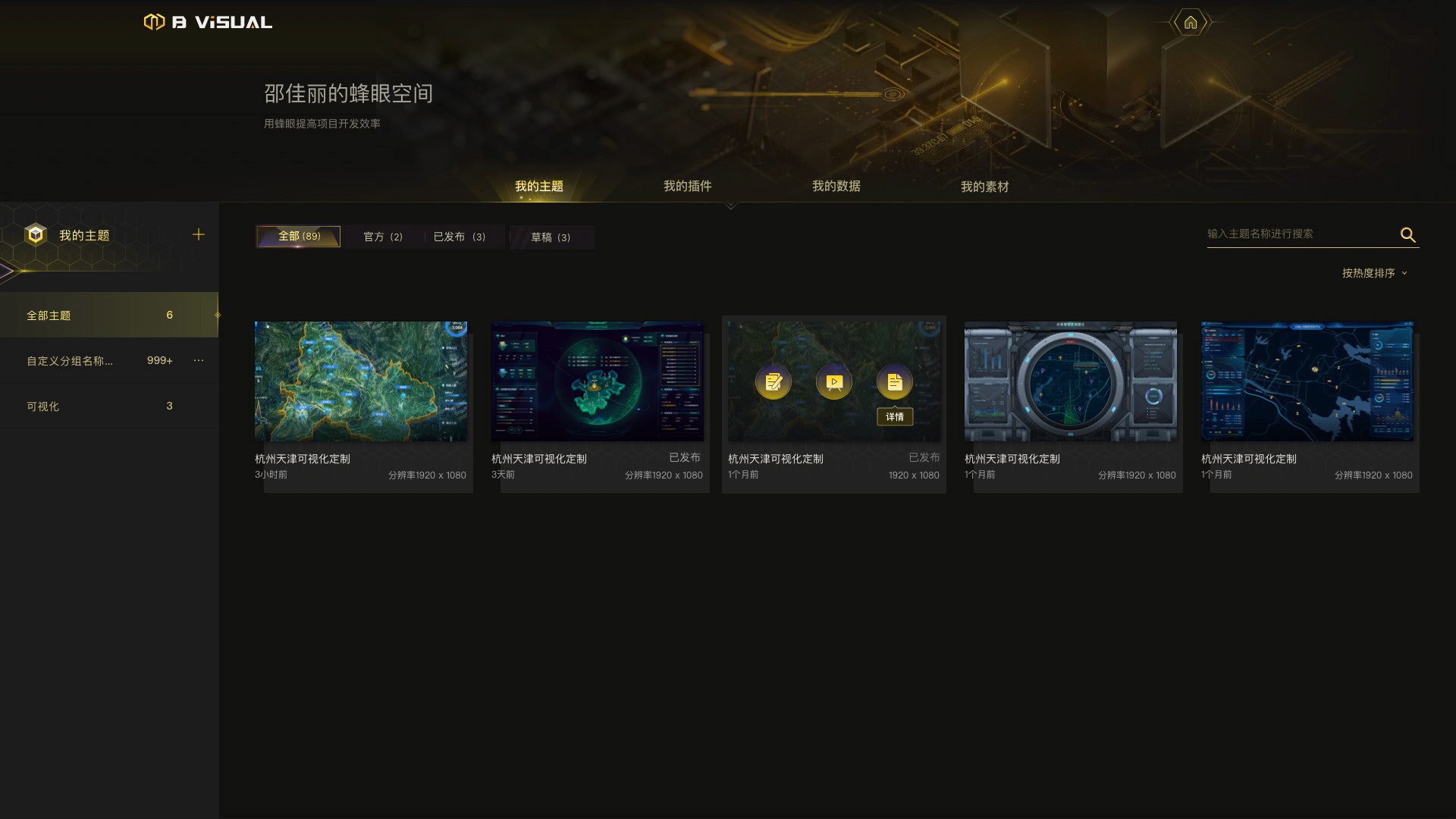
Theme contributions are visible (with personal attribution and number of times reused), along with publication status and quantifiable metrics like likes.
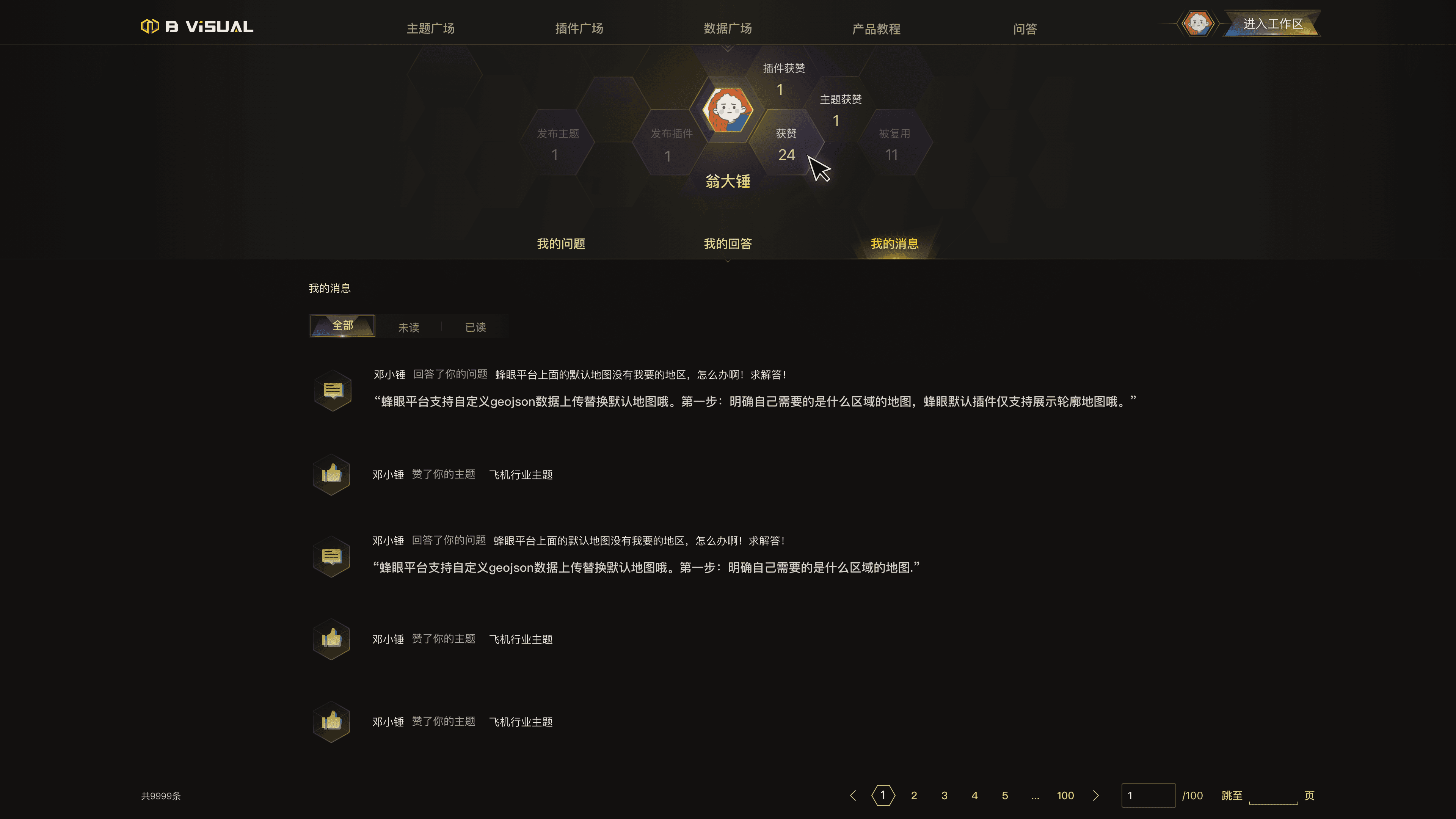
Strategy 2: Establish a Multi-level Resource Permission Architecture.
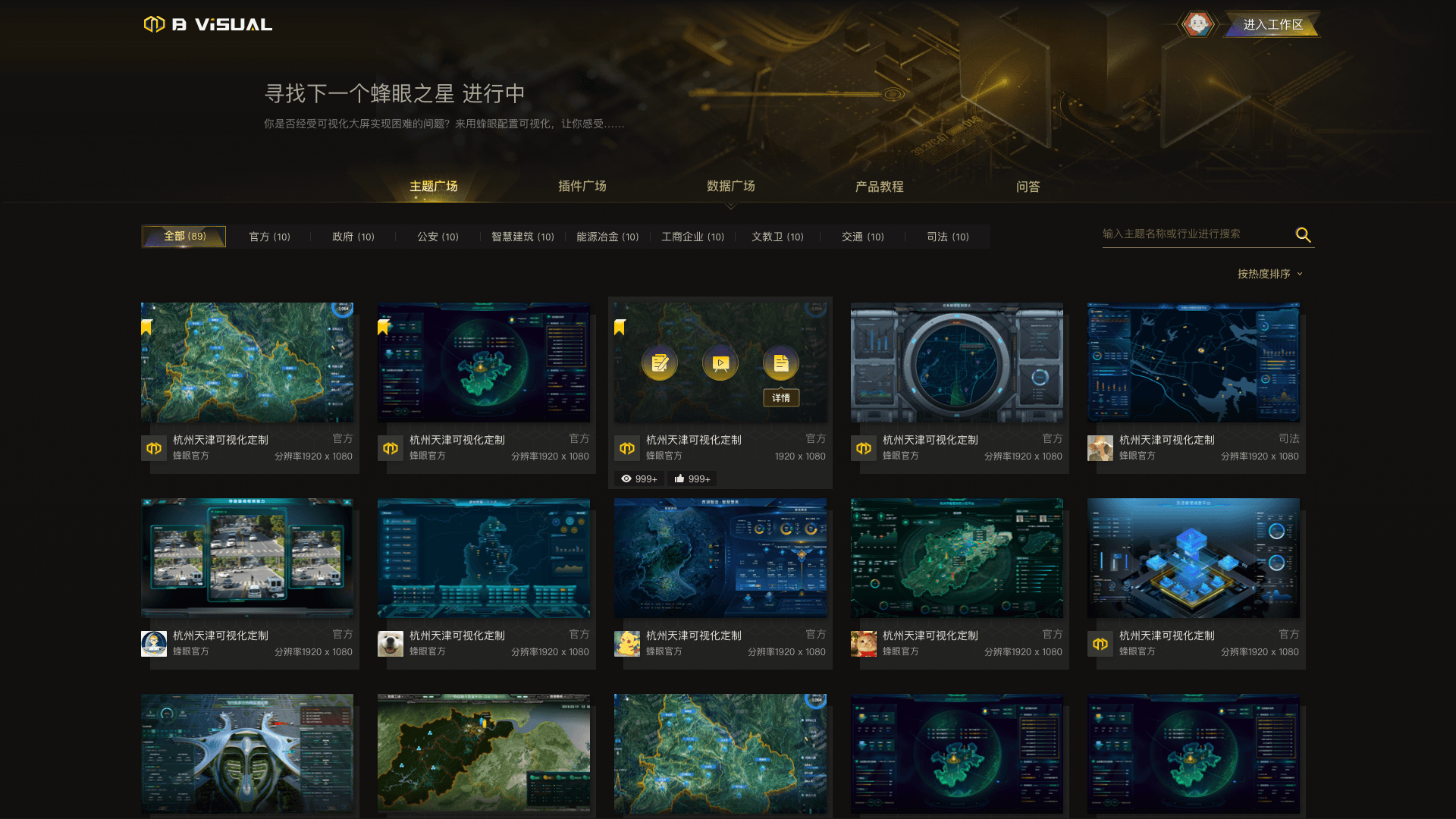
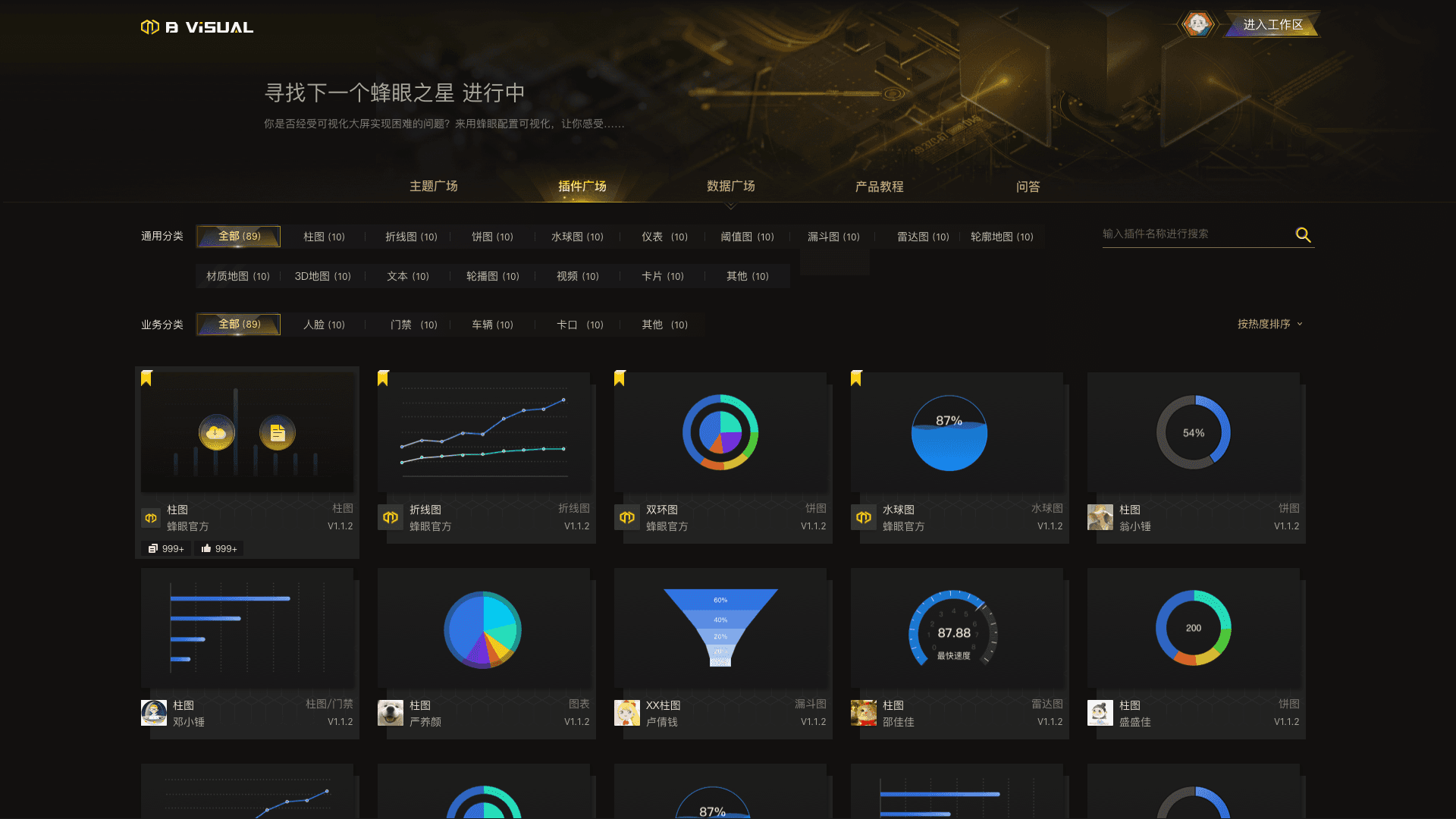
By distinguishing between community and workplace layers, we separate public resources from personal workspaces to achieve hierarchical asset synchronization. Topics are categorized according to business domains, enabling quick filtering.
Strategy 3: Learning Path — Progressive Disclosure
1."Learning with a structured path": Entry/Advanced/Common Questions/Plugin Implementation 'Learning by doing'. 2.Break down complex learning paths and integrate them into hands-on processes.
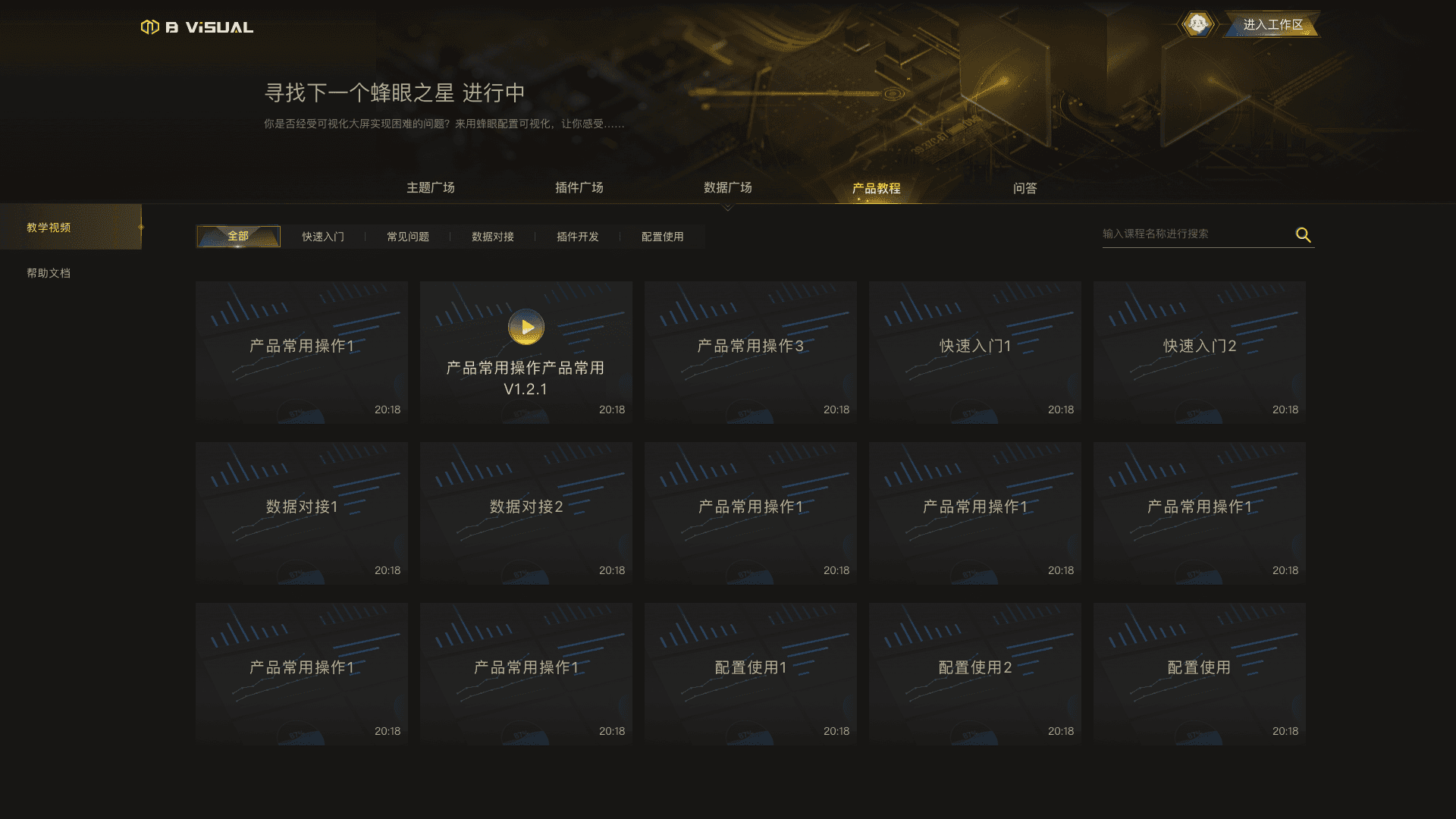
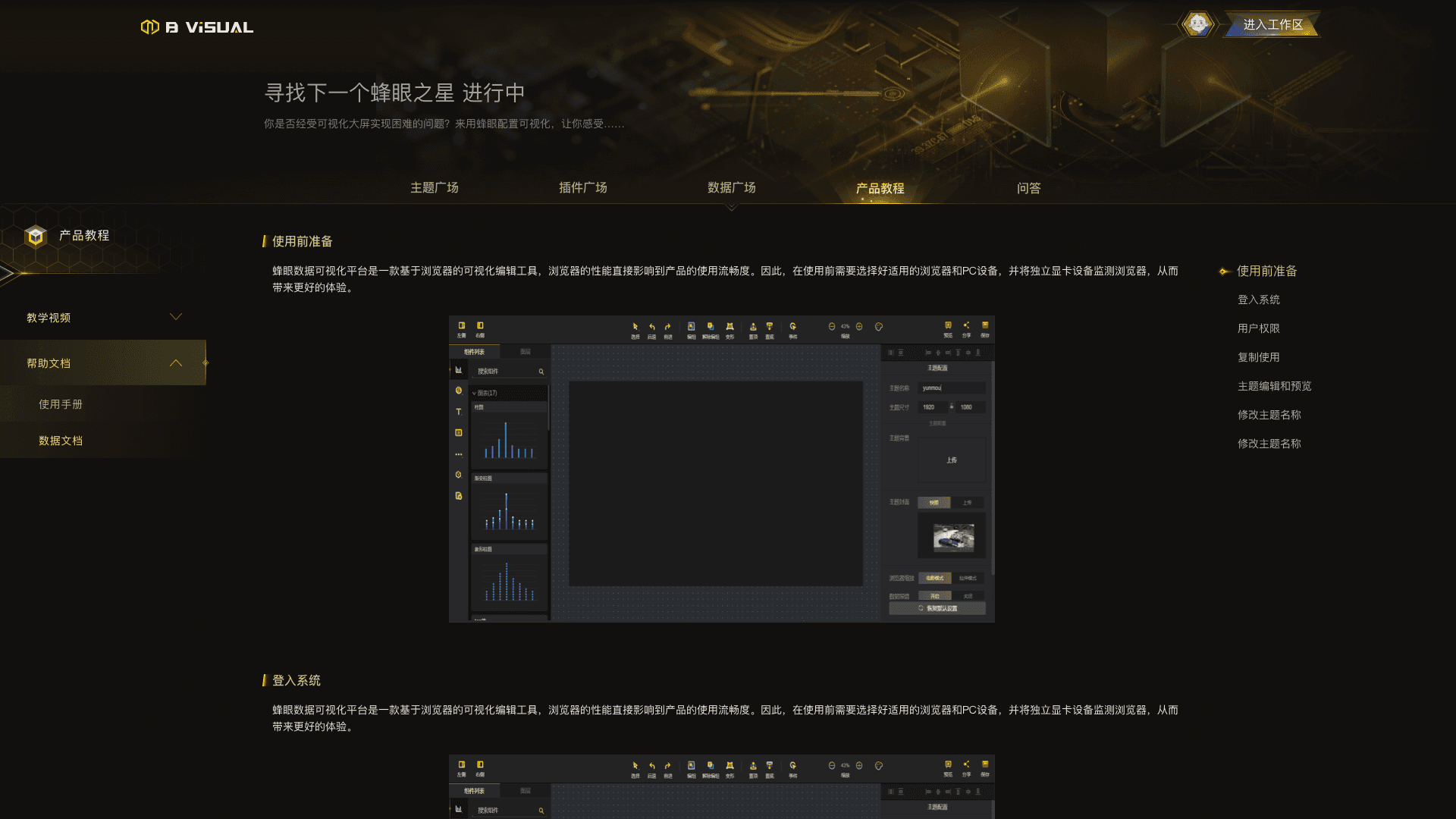
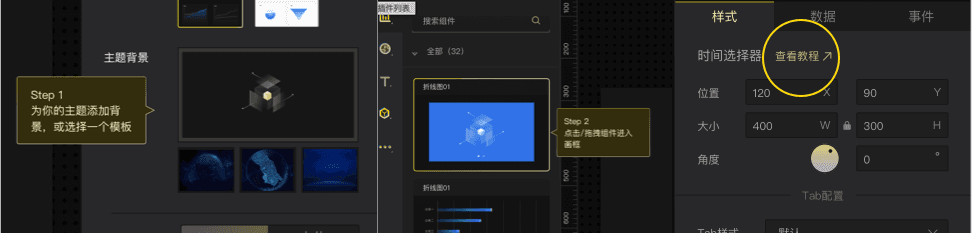
These improvements significantly reduced user confusion, leading to an 80% drop in onboarding-related inquiries (from ~100 to ~20 per month).
Additionally, created 40+ industry-specific templates to support diverse use cases.
Result and reflection
Bee-Eye was a game-changer for me. It’s where I traded my obsession with "visual aesthetics" for a deep dive into "product logic."
I stopped just making things look clear and started building a system for decision-making. I’m now focused on the Behavior Chain—finding where users get stuck (Friction Points) and digging for the "why" behind the "what." To me, whether it’s UI or product strategy, we’re all just designing "interventions" to solve problems.
If I were to rebuild it today, I’d tackle the scalability bottleneck in three ways:
Packaging over Piling: Stop making users build from scratch. Let them migrate entire "business scenes" with one click.
Clean Data Decoupling: Data and style should never be "hard-wired." I’d implement a metadata system to make assets truly reusable across different environments.
Smart Configuration: Get rid of the "everything, everywhere" panels. The UI should be smart enough to show the right tools at the right time based on what the user is actually doing.
Ultimately, low-code design isn't about the buttons on the screen—it's about how gracefully we can orchestrate the data and logic behind them.